
7 Strategic Frameworks: A Best Practice Canvas Roundup for 2026

Moving beyond ad-hoc course creation requires a strategic approach. Integrating a powerful video platform like MEDIAL into your Canvas LMS is not just a technical task; it is a pedagogical and organisational shift. To navigate this complexity, educators and administrators need robust planning tools that go beyond simple checklists and offer a holistic view of the educational ecosystem. This roundup presents seven powerful 'canvases', which are visual frameworks that provide a best practice canvas for everything from detailed course design to institution-wide digital transformation.
Each canvas offers a structured, actionable method to map out your strategy, ensuring your video integration is purposeful, impactful, and fully aligned with your learning objectives and institutional goals. We will explore how these models provide practical, hands-on guidance for designing genuinely engaging learning experiences, ensuring technical success, and demonstrating clear value to every stakeholder involved. Instead of offering abstract advice, this guide delivers concrete frameworks you can immediately apply to elevate your teaching and learning architecture within Canvas.
1. Business Model Canvas
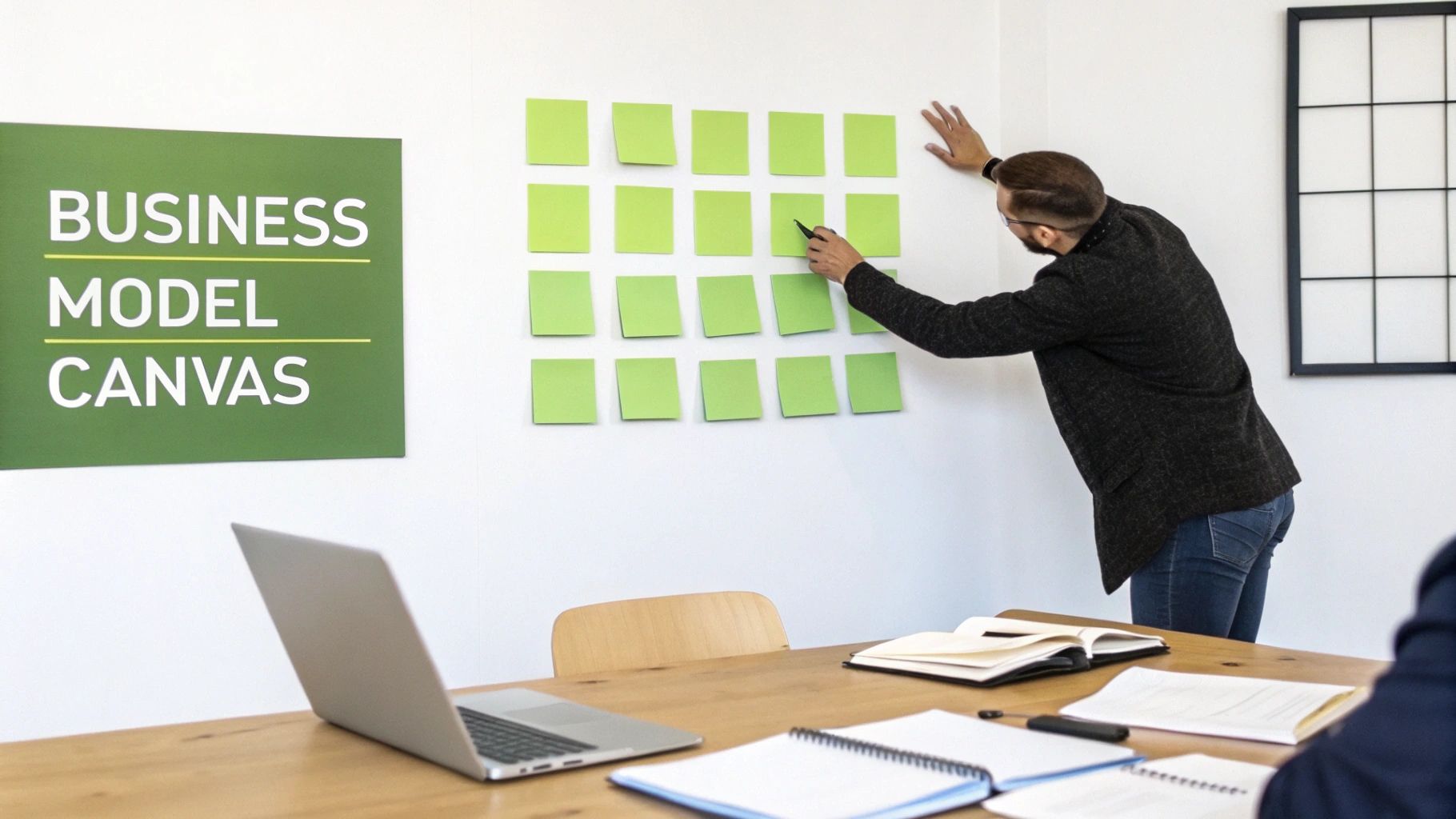
Popularised by Alexander Osterwalder and Yves Pigneur, the Business Model Canvas is a strategic management template for visually outlining how an organisation creates, delivers, and captures value. While its roots are in business, it serves as an exceptional tool for educational contexts. It allows instructors, departments, and IT administrators to map out how a technology-like a video learning platform-integrates into the broader educational delivery model. This framework is a stellar example of a best practice canvas because it forces a holistic view, connecting technology adoption to tangible institutional goals.
For institutions using a video platform like MEDIAL, the canvas helps articulate how video-based learning aligns with specific learning outcomes, resource allocation, and student engagement strategies. It moves the conversation from "we need video" to "this is how video will help us achieve our objectives for specific student groups." For instance, a university could map "Key Partners" as their academic technology department and "Key Activities" as training faculty to create interactive video quizzes. The "Value Proposition" for students would be flexible, on-demand learning, directly linking the investment to an improved student experience.
Why Use This Canvas?
This canvas is invaluable during the planning or review phase of integrating a video learning platform. It helps stakeholders understand the entire ecosystem, ensuring technology serves pedagogy, not the other way around. It's particularly useful for securing buy-in from different departments by clearly showing the value proposition for each.
A corporate training department, for instance, could use the canvas to visualise the return on investment (ROI) of video-based compliance training. They would map out key resources (MEDIAL platform, subject matter experts), activities (content creation, quiz deployment), and the value proposition (reduced training time, auditable completion records), directly linking the investment to business needs.
Actionable Implementation Tips
To get the most out of this framework, focus on collaboration and specific outcomes.
Involve Cross-Functional Teams: Bring educators, IT staff, and administrators together. Each group provides a unique perspective on resources, activities, and value propositions, creating a more robust and realistic plan. For example, IT can speak to network "Costs," while faculty can define "Key Activities" like creating flipped classroom content.
Clarify 'Customer' Segments: Separately define the value propositions for students, instructors, and even parents. For students, it might be flexible learning; for instructors, it could be streamlined assessment workflows. An actionable example: map "Students" as one segment with a value prop of "access lectures anytime," and "Instructors" as another with "automated grading for video quizzes."
Focus on Pain Points: Use the canvas to pinpoint exactly how video capabilities solve existing problems. For example, if low engagement in large lectures is an issue, map how MEDIAL's interactive video quizzes or live-streaming can directly address it.
Treat it as a Living Document: Your strategy will evolve. Revisit the canvas each term or year to adapt to new platform features, changing student needs, and updated institutional goals. Schedule a bi-annual review with the original cross-functional team to update the canvas based on usage data and feedback.
2. Value Proposition Canvas
Developed by Alexander Osterwalder as a companion to the Business Model Canvas, the Value Proposition Canvas zooms in on the relationship between your ‘customer’ (students, staff) and your ‘product’ (the educational experience enhanced by video). It meticulously maps customer jobs, pains, and gains against the features that relieve those pains and create those gains. This framework is a powerful best practice canvas because it forces a granular, user-centric approach to technology integration.
For institutions embedding a video platform like MEDIAL into their teaching, this canvas ensures that video features directly solve real-world problems. It helps move beyond broad statements like "video improves engagement" to specific connections, such as "MEDIAL’s interactive video quizzes directly address the pain point of passive content consumption in asynchronous courses, creating the gain of immediate learner feedback."
Why Use This Canvas?
This canvas is essential for course designers, departmental heads, and IT teams who need to justify and refine the use of a video platform. It’s perfect for designing specific educational interventions or training programmes, ensuring that every feature deployed has a clear purpose tied to a user need. It shifts the focus from the technology’s capabilities to the user's desired outcomes.
A corporate training manager could use it to design a new onboarding programme. They would map the 'pains' of new hires (e.g., information overload, feeling disconnected) and 'gains' (e.g., role clarity, feeling part of the team) against MEDIAL’s 'pain relievers' (on-demand video modules) and 'gain creators' (welcome videos from team leaders), creating a more effective and empathetic onboarding experience.
Actionable Implementation Tips
To maximise the impact of the Value Proposition Canvas, focus on genuine user needs and continuous validation.
Create Separate Profiles: Develop distinct canvases for students, instructors, and administrators. A student's key 'job' might be mastering a concept for an exam, while an instructor's is assessing understanding efficiently. Their pains and desired gains will differ significantly. For instance, an instructor's 'pain' could be the time it takes to give feedback, which MEDIAL's time-stamped comments directly 'relieves'.
Interview Sceptics and Champions: Talk to both early adopters and more resistant users of video technology. Sceptics are invaluable for uncovering genuine 'pains' and implementation hurdles that champions might overlook. Ask a sceptical instructor: "What is the most frustrating part of using video in your course right now?"
Prioritise Pain Relievers: When introducing a tool like MEDIAL, first focus on features that solve the most significant, widely felt problems. For instance, if captioning workflows are a major administrative burden, highlight MEDIAL's automated captioning as a primary pain reliever to secure initial buy-in.
Validate Your Hypotheses: Don’t assume your solutions are working. After implementation, survey users or check analytics to confirm that the features you mapped are actually creating the value you predicted. For example, if you predicted interactive quizzes would boost engagement, check the analytics in MEDIAL to see completion rates and score distributions.
3. Learning Experience Canvas
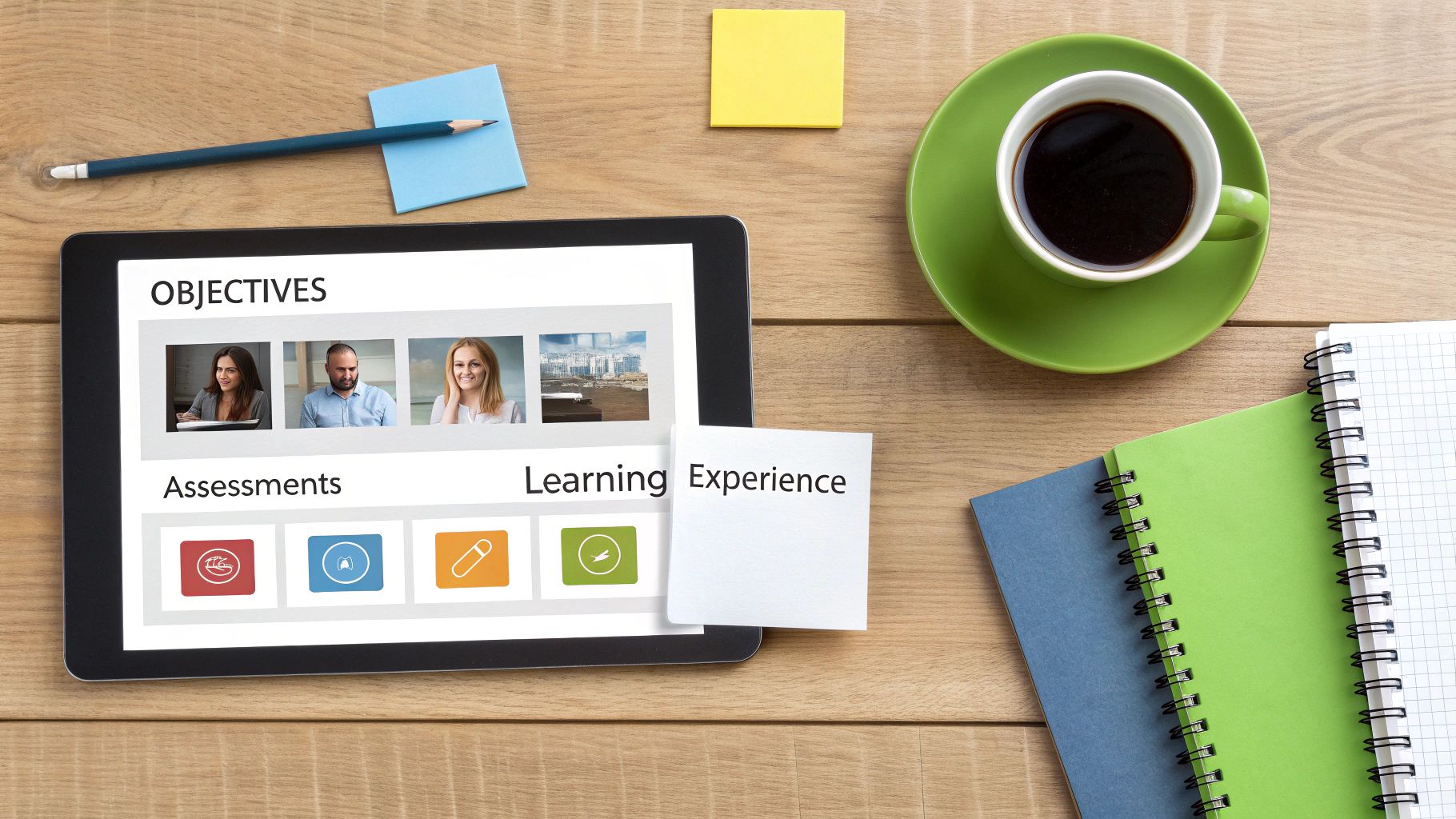
The Learning Experience Canvas is an instructional design tool that maps the entire learning journey, from initial objectives to final assessment. While influenced by broader design thinking, this canvas is specifically tailored for educational contexts. It helps educators and course designers visualise how all components of a course, including content, activities, and support, work together to create a cohesive and effective experience. This framework is a powerful best practice canvas because it shifts the focus from delivering content to engineering a meaningful learning journey.
For educators integrating video, this canvas ensures that tools like MEDIAL are not just added on but are strategically woven into the fabric of the course. It prompts designers to ask: "Where will a video assignment provide the most impact?" or "How can a live-streamed guest lecture support this week's learning outcomes?"
Why Use This Canvas?
This canvas is essential during the course design or redesign phase. It ensures that technology adoption is driven by pedagogy and a deep understanding of the student experience. It helps articulate the 'why' behind each activity, assessment, and piece of content, leading to a more intentional and impactful course structure.
A medical school, for instance, could use the canvas to design a clinical skills module. They would map out learning outcomes (e.g., demonstrate proper suturing technique), then design a MEDIAL video assignment where students record themselves performing the procedure. The canvas would also include sections for peer feedback loops and instructor assessment criteria, creating a complete, integrated learning cycle.
Actionable Implementation Tips
To maximise this canvas's potential, start with the learner's perspective and work backwards. To ensure your Learning Experience Canvas is cutting-edge and engaging, staying informed about the latest UX/UI trends can provide valuable insights into creating intuitive and effective learning pathways.
Start with Learning Outcomes: Before considering any content or technology, clearly define what students should be able to do by the end of the experience. For example, instead of "Students will learn about public speaking," write "Students will be able to deliver a persuasive 5-minute speech." Every subsequent element on the canvas must directly support these outcomes.
Map the Complete Journey: Document every touchpoint, from the pre-course introduction video to the final reflective video submission. This helps identify gaps or friction points in the student experience. For a specific week, you might map: "Monday: Watch Module 3 intro video. Wednesday: Participate in live Q&A. Friday: Submit 2-minute video response."
Design for Authentic Assessment: Use MEDIAL's video assignment features to create tasks that mirror real-world challenges. Instead of a multiple-choice quiz, have business students record a video pitch or language learners engage in a recorded conversation.
Integrate Feedback Loops: Explicitly plan for interaction. Use the canvas to schedule points for peer review on video submissions, instructor feedback via time-stamped comments in MEDIAL, or group discussions following a live-streamed event.
4. Digital Transformation Canvas
Inspired by various frameworks from digital transformation consultancies and academic institutions like MIT, the Digital Transformation Canvas is a strategic tool for planning the holistic adoption of new technologies. It moves beyond simple implementation to address the crucial organisational, cultural, and procedural shifts required for new digital tools to succeed. This framework is a prime example of a best practice canvas because it ensures technology integration is a planned transformation, not just a technical rollout.
For institutions adopting a video platform like MEDIAL, this canvas helps map out the entire change management process. It forces decision-makers to consider how video will impact workflows, what training is needed for different user groups, and how to communicate the benefits effectively to drive adoption. This prevents the common pitfall where powerful tools are underutilised due to a lack of strategic integration into the institution's daily life.
Why Use This Canvas?
This canvas is essential for large-scale technology deployments where user adoption is critical to achieving a return on investment. It helps leaders anticipate resistance, plan for necessary support structures, and build momentum for change. It’s particularly valuable for ensuring the long-term, sustainable success of a platform like MEDIAL, embedding it into the pedagogical or training culture.
A large university planning a phased rollout of MEDIAL across multiple faculties would use this canvas. They could map out the communication strategy, identify 'champion' users in each department, and design bespoke training programmes, ensuring the technology is not just available but actively embraced and used effectively to enhance teaching and learning.
Actionable Implementation Tips
To execute a successful digital transformation, focus on the human element of change alongside the technical one.
Assess Current Maturity: Before planning the future, evaluate your institution's current video usage and LMS integration maturity. A practical step is to create a simple survey for faculty: "On a scale of 1-5, how comfortable are you creating and sharing educational video?" This provides a realistic baseline.
Create Change Management Roles: Assign dedicated individuals or teams to oversee the adoption process. Their role is to support users, gather feedback, and champion the new technology. For example, create a "Video Vanguard" group of volunteer faculty who receive extra training and support their peers.
Develop Tiered Training: Not all users have the same needs. Create distinct training paths for beginners, intermediate users, and advanced creators to ensure everyone feels competent and supported. Offer "MEDIAL 101: Recording Your First Lecture" and "MEDIAL 301: Advanced Interactive Quizzing."
Secure Early Wins: Identify and support enthusiastic early adopters. Showcasing their successful projects and positive experiences can build powerful institutional momentum and encourage others. For instance, feature a professor who increased student engagement by 20% using video quizzes in the faculty newsletter.
Plan for Ongoing Support: The journey doesn't end after the initial training. Plan for continuous technical support and pedagogical coaching to help staff innovate with video long after the initial rollout. A practical action is to host monthly "drop-in" sessions where faculty can ask questions.
5. Course Design Canvas
Popularised by university teaching centres and online learning organisations, the Course Design Canvas is a structured template for educators planning individual courses or learning modules. It shifts the focus from a broad institutional view to the granular level of a single learning experience, ensuring that every element is purposeful and aligned. It guides instructors in thinking through sequencing, pacing, student engagement strategies, and assessment methods. This framework is a prime example of a best practice canvas because it provides a clear, one-page blueprint for building a cohesive and effective course.
For educators integrating a video platform like MEDIAL, this canvas is essential. It helps visualise where and how video components will be used to enhance learning, rather than being an afterthought. A business instructor, for instance, could use the canvas to map out a module where students watch video case studies in MEDIAL, participate in a live-streamed Q&A session with an industry expert, and then submit their own video analysis of the case.
Why Use This Canvas?
This canvas is indispensable when designing a new course or redesigning an existing one, especially when incorporating new technologies like video. It ensures that pedagogical goals drive the technology choices, helping to create a more engaging and effective learning environment. It encourages instructors to think critically about how each activity, including video assignments, contributes to the overall learning objectives.
A nursing programme, for example, could use the canvas to design a clinical skills module. They would map out pre-class activities (watching MEDIAL demonstration videos), in-class practice (hands-on simulation), and post-class assessment (students recording and submitting their own skills demonstration via MEDIAL for instructor review). Learn more about the principles of effective course instructional design on medial.com.
Actionable Implementation Tips
To maximise the effectiveness of the Course Design Canvas, focus on student-centred activities and strategic media integration.
Plan Video Length Strategically: Use the canvas to break down complex topics. Aim for shorter, focused video segments (5-10 minutes) for core concepts to maintain student engagement, and use longer formats for supplementary materials. For example, a 7-minute video on "The Kreb's Cycle" is better than a 45-minute lecture recording.
Balance Synchronous and Asynchronous Video: Map out key synchronous moments, like live-streamed guest lectures or tutorials, while leveraging asynchronous MEDIAL videos for foundational content that students can review on-demand. An actionable plan: use async video for weekly topic intros and a sync session for a mid-term review.
Leverage AI for Accessibility: As you plan video content, factor in MEDIAL's AI-assisted captioning from the start. This not only ensures accessibility but also provides searchable transcripts, turning videos into powerful study resources. Action step: Make it a rule that no video is published without captions being reviewed and corrected.
Build in Peer Review: Use the canvas to schedule activities where students evaluate each other’s video submissions. This fosters critical thinking and a collaborative learning community, for instance, in a language course where students review each other's pronunciation practice recordings.
6. Technology Integration Canvas
Popularised by Educause and university IT departments, the Technology Integration Canvas is a framework designed specifically for mapping how new educational technologies fit within an existing institutional ecosystem. It moves beyond pedagogy to address the critical technical details of compatibility, data flow, user access, and infrastructure requirements. This canvas is a quintessential best practice canvas for IT administrators and eLearning specialists tasked with implementation.
When integrating a powerful video platform like MEDIAL, this canvas helps teams visualise its connection to the Learning Management System (LMS), video conferencing tools like Zoom or Teams, and other institutional systems. It forces a systematic review of the technical landscape, ensuring a smooth, secure, and scalable rollout. It helps answer not just what the technology does, but how it will technically function and be supported within the current environment.
Why Use This Canvas?
This canvas is essential during the pre-implementation and procurement phases of any new educational technology. It helps prevent common pitfalls like incompatibility issues, data silos, and poor user experiences that arise from a lack of technical planning. It provides a clear blueprint for the IT and eLearning teams responsible for making the technology work seamlessly for end-users.
A large university, for example, could use this canvas to map MEDIAL’s integration with Canvas LMS across multiple campuses. They would detail authentication methods (e.g., LTI 1.3), data synchronisation requirements for grade passback, and network considerations for streaming high-definition video during peak exam periods. This ensures a consistent and reliable experience for all students and staff, regardless of their location. For more details on this process, you can explore mastering Learning Management System integration.
Actionable Implementation Tips
To maximise the effectiveness of this canvas, focus on thorough auditing, testing, and forward-thinking planning.
Conduct a Technical Audit: Before implementation, thoroughly audit your existing LMS and infrastructure capabilities. Document API endpoints, authentication protocols, and current server loads to identify potential bottlenecks. Action: Create a shared document listing your LMS version, authentication method (e.g., SAML, LTI), and available APIs.
Test in a Sandbox Environment: Always test the MEDIAL integration in a sandboxed or staging environment before a live deployment. This allows you to resolve any conflicts or bugs without disrupting active courses. A practical test case: have a test user upload a video, embed it in a course, and confirm the grade passes back correctly.
Document Everything: Create detailed documentation of all API connections, data flows, and authentication workflows. This is invaluable for future troubleshooting, upgrades, and training new IT staff. Use a tool like Confluence or a shared Wiki to create a living document that is accessible to the whole team.
Plan for Scalability: Use the canvas to forecast future needs. Ensure your infrastructure can handle peak usage, such as a surge in video assignment submissions or live-streamed events during enrolment periods. For example, calculate potential bandwidth needs by multiplying the number of students by the average video bitrate and expected concurrent views.
Establish Clear Support Paths: Define and document a clear escalation path for support issues. Delineate responsibilities between institutional IT helpdesks and MEDIAL’s technical support to ensure swift problem resolution. For example, create a flowchart: "Student issue -> Tier 1 Helpdesk -> If unresolved in 24h, escalate to Tier 2 with MEDIAL."
7. Content Strategy Canvas for Video Learning
Adapted from digital marketing and content production, the Content Strategy Canvas for Video Learning is a specialised planning tool for educators and instructional designers. It provides a framework to develop a coherent and strategic approach to creating, managing, and measuring video content, ensuring that video is a deliberate pedagogical tool rather than an ad-hoc addition. This framework is a superb best practice canvas because it shifts the focus from simple video production to sustainable, high-impact video-based learning ecosystems.
For institutions using a video platform like MEDIAL, this canvas helps answer critical questions before a single video is recorded. It prompts teams to define audience needs, production workflows, content governance, and success metrics, turning a collection of video files into a valuable institutional asset. A law school, for instance, could use it to plan a library of video case studies that become a core part of its curriculum over many years.

Why Use This Canvas?
This canvas is essential for any institution looking to scale its video learning initiatives beyond a few enthusiastic instructors. It prevents content silos, ensures quality and consistency, and maximises the return on investment in both technology and content creation efforts. It provides a shared language and vision for everyone involved, from subject matter experts to media production teams.
For example, when developing a content strategy using a canvas model, understanding how to implement a truly effective a modern content strategy for B2B growth can provide valuable insights, even in an educational context. A medical school could use this canvas to standardise videos of clinical procedures, ensuring every student sees the correct, approved technique, complete with consistent branding and accessibility features.
Actionable Implementation Tips
To effectively implement this canvas, focus on planning for the entire content lifecycle, from ideation to archiving.
Start with Simple Production: Begin with instructor-recorded content using MEDIAL's native tools. This lowers the barrier to entry and helps you identify which content types resonate most before investing in high-production resources. An actionable tip: Encourage faculty to start with a simple 2-minute weekly summary video.
Establish Clear Governance: Create templates, style guides, and clear policies on video reuse and licensing before you start creating. This prevents inconsistencies and future rights management issues. For instance, create a PowerPoint template with the university logo for all lecture recordings.
Plan for Maintenance: Outdated content undermines credibility. Build a schedule for reviewing and updating videos into your strategy from day one. An effective video content retention strategy is crucial. A practical step: Create a policy to review all "evergreen" content every two years for accuracy.
Use Analytics to Refine Strategy: Regularly review MEDIAL's engagement metrics. Identify which video formats, lengths, and topics perform best, and use this data to inform future content creation and improve your approach. For example, if you notice 75% of viewers drop off after the 8-minute mark, make a new guideline to keep core concept videos under 8 minutes.
7-Canvas Best Practices Comparison
Canvas | Implementation Complexity 🔄 | Resource Requirements ⚡ | Expected Outcomes 📊⭐ | Ideal Use Cases 💡 | Key Advantages ⭐ |
|---|---|---|---|---|---|
Business Model Canvas | Medium 🔄🔄 — cross‑functional | Moderate ⚡⚡ — stakeholder time | Aligns value streams and revenue models 📊 — ⭐⭐⭐⭐ | Institution-wide strategy; platform ROI evaluation | Holistic organizational view ⭐⭐⭐⭐ |
Value Proposition Canvas | Medium‑High 🔄🔄🔄 — user research needed | High ⚡⚡⚡ — user interviews & validation | Clear product‑market fit; targeted messaging 📊 — ⭐⭐⭐⭐ | Validating MEDIAL features for instructors/students | Focuses on user pains/gains ⭐⭐⭐⭐ |
Learning Experience Canvas | High 🔄🔄🔄 — pedagogical mapping | High ⚡⚡⚡ — instructional design effort | Measurable learning outcomes and assessment alignment 📊 — ⭐⭐⭐⭐⭐ | Course redesign, curriculum-integrated video learning | Ensures pedagogical impact of video ⭐⭐⭐⭐⭐ |
Digital Transformation Canvas | Very High 🔄🔄🔄🔄 — org & change mgmt | Very High ⚡⚡⚡⚡ — training, exec buy‑in | Sustainable adoption and reduced shelf‑ware 📊 — ⭐⭐⭐⭐ | Enterprise rollouts; phased MEDIAL adoption across units | Aligns tech, people, and process ⭐⭐⭐⭐ |
Course Design Canvas | Medium 🔄🔄 — module/course level | Moderate ⚡⚡ — instructor time & tools | Practical course plans with video placement 📊 — ⭐⭐⭐⭐ | Individual course planning; semester redesigns | Actionable instructor template ⭐⭐⭐⭐ |
Technology Integration Canvas | High 🔄🔄🔄 — technical mapping | High ⚡⚡⚡ — IT, infrastructure, testing | Reliable integrations and compliance readiness 📊 — ⭐⭐⭐⭐⭐ | LMS/API integration; security & scalability planning | Prevents integration failures; ensures compliance ⭐⭐⭐⭐⭐ |
Content Strategy Canvas for Video Learning | High 🔄🔄🔄 — content governance | High ⚡⚡⚡ — production & maintenance | Consistent quality, reuse, and measurable ROI 📊 — ⭐⭐⭐⭐ | Enterprise content libraries; production standards | Guides production, rights, and analytics ⭐⭐⭐⭐ |
Turning Plans into Pedagogical Practice
Navigating the complexities of modern digital education requires more than just good intentions; it demands a structured, strategic approach. Throughout this guide, we have explored seven powerful canvases, each designed to bring clarity and purpose to a specific facet of your learning ecosystem. From shaping your institution's high-level strategy with the Business Model Canvas to refining individual learner journeys with the Learning Experience Canvas, these frameworks are your blueprints for success. They transform abstract goals into tangible, actionable plans.
The true value of these tools, however, lies not in completing them once, but in using them as living documents. The insights you gain from the Digital Transformation Canvas or the Content Strategy Canvas for Video Learning should directly inform your daily instructional decisions. These are not static checklists but dynamic guides for continuous improvement, providing a shared language that bridges the gap between administrators, IT support, and teaching staff. Adopting this best practice canvas approach ensures that every decision, from technology procurement to assessment design, is cohesive and learner-centred.
Your Actionable Next Steps
To move from theory to implementation, consider these immediate actions:
Select a Starting Point: You don't need to tackle all seven canvases at once. Choose one that addresses your most pressing need. Is course design a challenge? Start with the Course Design Canvas. Are you struggling with technology adoption? The Technology Integration Canvas is your ideal first step.
Assemble a Collaborative Team: Invite a diverse group of stakeholders, including faculty members, instructional designers, and even students, to work through your chosen canvas. Different perspectives will enrich the outcome and foster institutional buy-in.
Set a Review Cadence: Schedule regular check-ins, perhaps at the end of each term or semester, to revisit your completed canvases. Ask critical questions: What worked? What didn’t? How have our learners' needs changed? This iterative process is the cornerstone of evolving your educational delivery.
Ultimately, mastering these canvases empowers you to build a more intentional, effective, and engaging learning environment. They provide the structure needed to ensure that technologies like video are not just added to a course, but are thoughtfully integrated to enhance pedagogy and achieve specific learning outcomes. By embracing this strategic planning, you are not just managing a learning platform; you are architecting a superior educational experience.
Ready to put your video strategy into action? MEDIAL provides the secure, accessible, and deeply integrated video platform that brings your canvas plans to life within your LMS. Discover how our seamless Canvas integration can empower your faculty and engage your learners by visiting MEDIAL today.
Comments