
Video Like YouTube Site Options for Educators in 2026

Your course team has recorded forty lectures on a lecturer's personal video account. Students can't find the right recording inside the LMS, another tutor needs editing access, and the institution's data office wants to know where the files are stored. The videos play perfectly well. Everything around them is the problem.
Searching for a video like YouTube site for education is really a search for control, integration and governance. You want familiar playback without making students browse a public feed, and you need ownership that survives staff changes. The scale of that familiarity matters: Ofcom's Online Nation report found that YouTube reached 94% of UK online adults in May 2025.
The options below serve different workflows, from LMS-native assignments to managed lecture capture and external publishing. Compare them by who administers the library, where media lives, how students gain access, and what happens when content needs moving. Teaching preparation remains separate: you might create worksheets from YouTube lessons, but that doesn't solve institutional storage or permissions.
1. MEDIAL
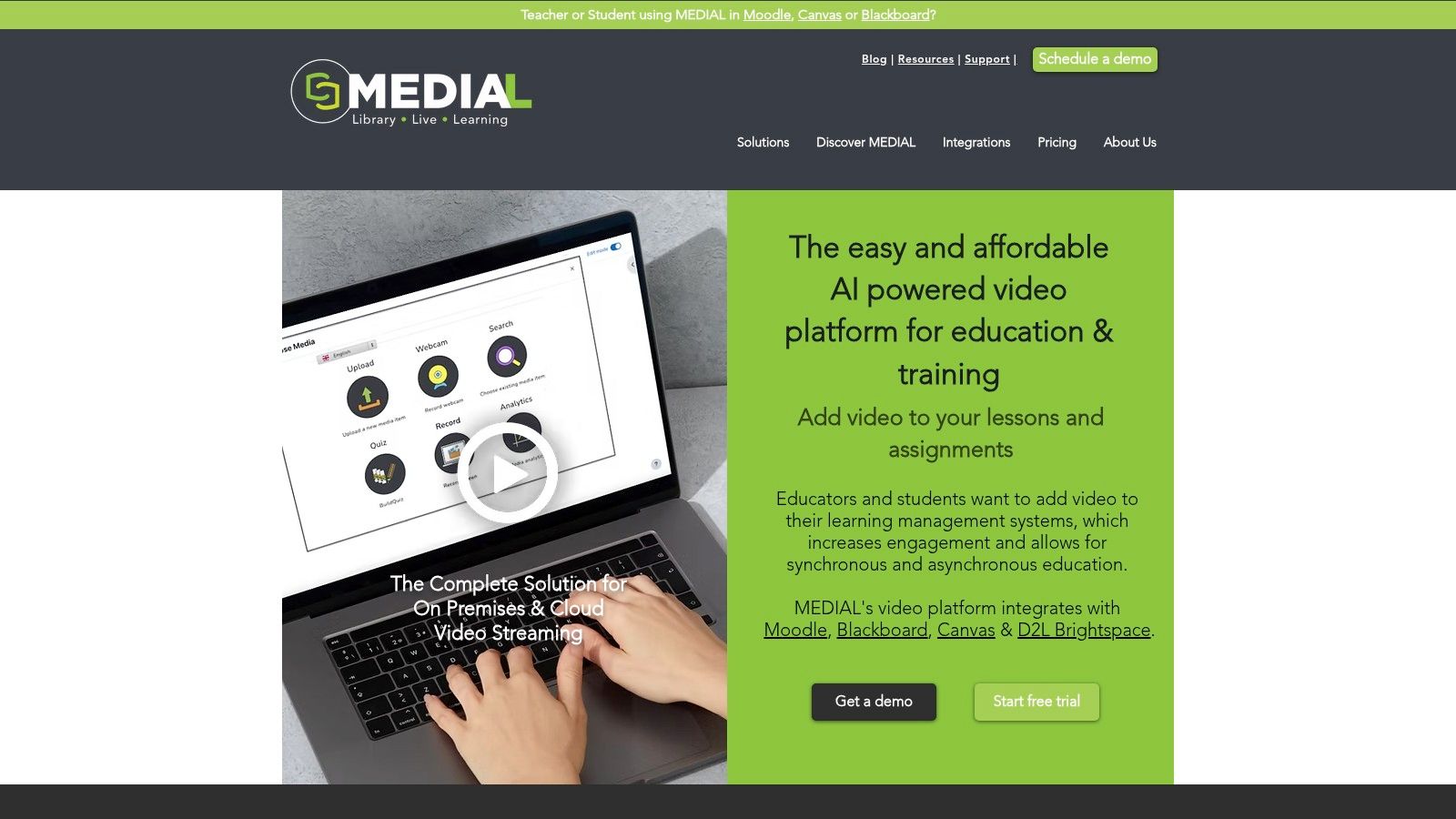
Best for institutions that want LMS-connected video with a choice of cloud or on-premises hosting. Our AI-powered platform brings recording, media management and streaming into teaching and corporate-training workflows, rather than treating the LMS as somewhere to paste a playback link.
We integrate with Moodle, Canvas, Blackboard and D2L Brightspace, alongside Zoom and Microsoft Teams. Teachers and students can record, upload, assign and respond to video tasks within their learning environment, including assignment submission and grading. Teams meeting recordings can also be added to LMS course pages.
Library control beyond the player
Our MEDIALibrary provides the internal YouTube-like portal: a secure place to manage video and audio, edit recordings in the browser, trim material and export media. The distinction matters when comparing our offerings: MEDIALite supports LMS media workflows, but doesn't include MEDIALibrary.
For a clinical-skills course, an instructor could trim a demonstration, publish it in the course, then ask students to submit their own recorded response. AI-assisted closed captions support preparation, while chapters and attachments help turn a recording into a usable learning resource.
Deployment choice: We offer cloud hosting or hosting on your own infrastructure, so your IT team can align deployment with institutional content-control requirements.
Live and recorded teaching: Our live-streaming tools support scheduling, recording and branding alongside on-demand delivery.
Everyday editing: Browser-based trimming and chopping let teachers reuse sections without opening a separate desktop editor.
The trade-off to resolve
This is a broader institutional workflow than straightforward video hosting. Establish whether you need the internal portal, LMS assignment tools, live streaming, or the combination before evaluating scope.
We serve hundreds of educational institutions and businesses in more than 20 countries, and offer a free trial and personalised demos. Pricing isn't publicly specified, so a meaningful cost comparison needs a defined deployment and integration scope.
Pilot priority: Complete a student submission and teacher grading cycle. A successful upload alone doesn't prove that the teaching workflow works.
2. Panopto
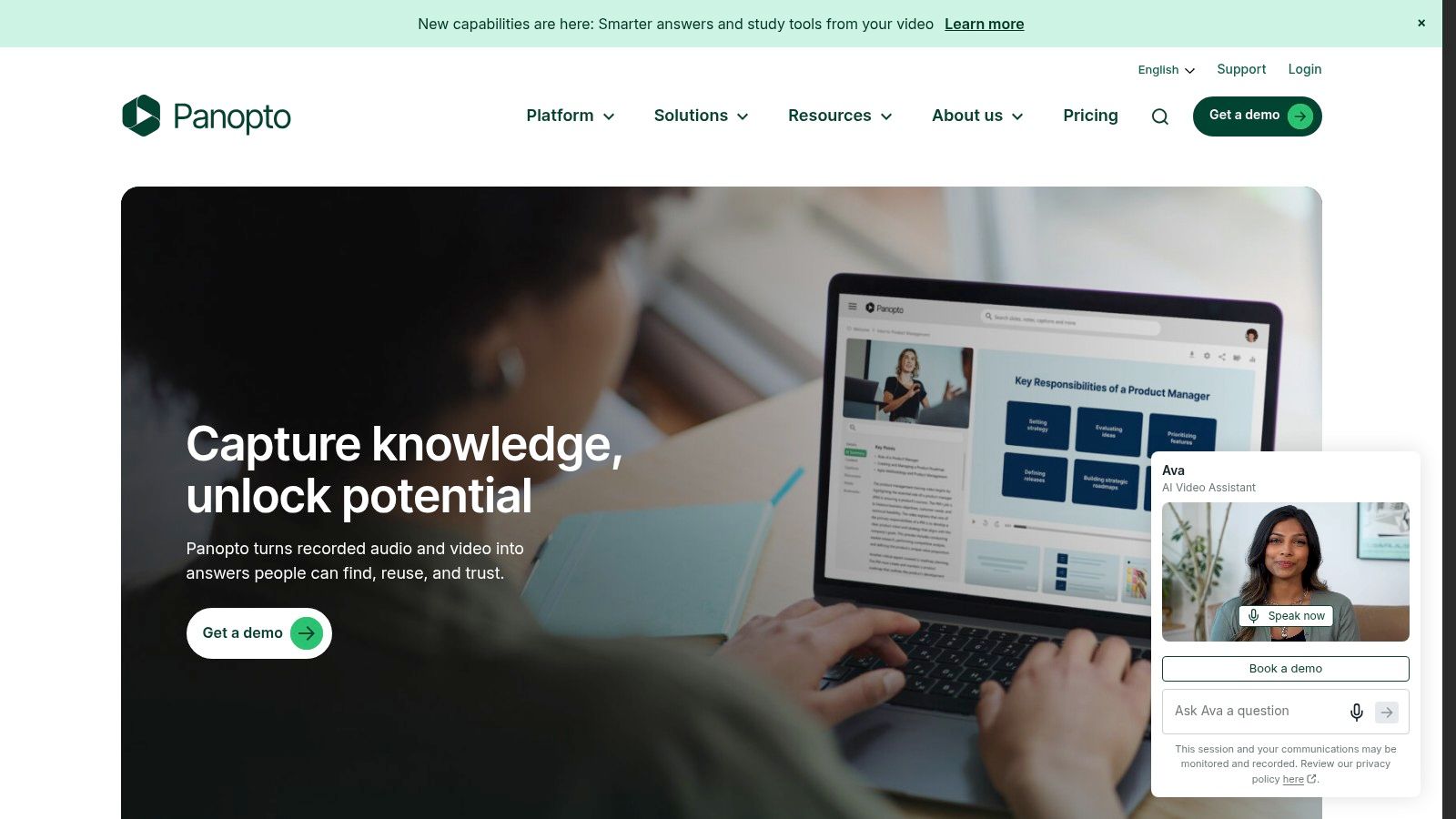
A department that records lectures across teaching rooms has a different problem from a tutor uploading occasional clips. Panopto fits the former: it combines lecture capture, hosting, editing, search and LMS delivery for higher education and enterprise learning.
It integrates with Moodle, Canvas, Blackboard and D2L Brightspace. Recording options cover screens, webcams and multi-camera sessions, alongside live streaming, so the evaluation should include your actual teaching-room setup rather than just a laptop demonstration.
Search the teaching, not just the title
Panopto's search covers spoken words and on-screen text. That's useful when a student remembers a concept from a lecture but doesn't know which recording contains it.
Say a lecturer explains confidence intervals midway through a statistics session. Test whether students can locate that explanation, start playback at the relevant point, and use the captions or transcript without leaving the course context.
Strong fit: Institutions wanting capture, management and delivery under a managed teaching workflow.
Main compromise: Its institutional scope may exceed what an individual educator or small training team needs.
Commercial check: Pricing is quote-based, which makes direct cost comparisons harder until storage, support and deployment scope are aligned.
Auto-captions, transcripts, analytics and access controls belong in the practical test, not just the feature spreadsheet. Ask an instructor to correct specialist vocabulary and a student to access the recording using their normal account.
Use this lecture capture software comparison to distinguish room-recording requirements from library requirements. Good lecture capture doesn't automatically settle retention, course rollover or ownership when an instructor leaves.
3. Kaltura
Choose configurability when your institution has different media workflows. Kaltura's education offering covers media management, publishing and LMS-connected video, making it relevant when a single-purpose hosting service would leave departments building workarounds.
A university might need assessed student recordings in one faculty, a searchable teaching archive in another, and public-facing media elsewhere. Kaltura's platform family can accommodate varied uses, but that flexibility makes procurement more involved: you need to compare the proposed package, not the brand's entire capability list.
Make the integration specification concrete
Kaltura supports LMS integration through LTI, including LTI 1.3 Advantage, and workflows such as recording, sharing and video assignments. Write down what those connections must do for your users before accepting an integration demonstration.
Instructor workflow: Create or select media from inside a course without managing a separate publishing process.
Student workflow: Submit a video assignment with appropriate visibility, then receive feedback through the expected teaching workflow.
Accessibility workflow: Establish which captioning, translation and audio-description options are included, integrated or separately purchased.
Accessibility deserves particular attention. A University of Reading summary of Jisc's Digital Experience Insight surveys describes students using captions and transcripts to support study, which makes these tools part of learning design rather than an optional player setting.
The trade-off is package complexity. Pricing and exact feature availability require a vendor conversation, and the breadth of the product family can obscure what your institution will receive.
Ask for a demonstration against your workflow specification. Don't accept a captioning demonstration in a standalone portal as proof that students can use the same controls in an embedded LMS player.
4. YuJa Lumina
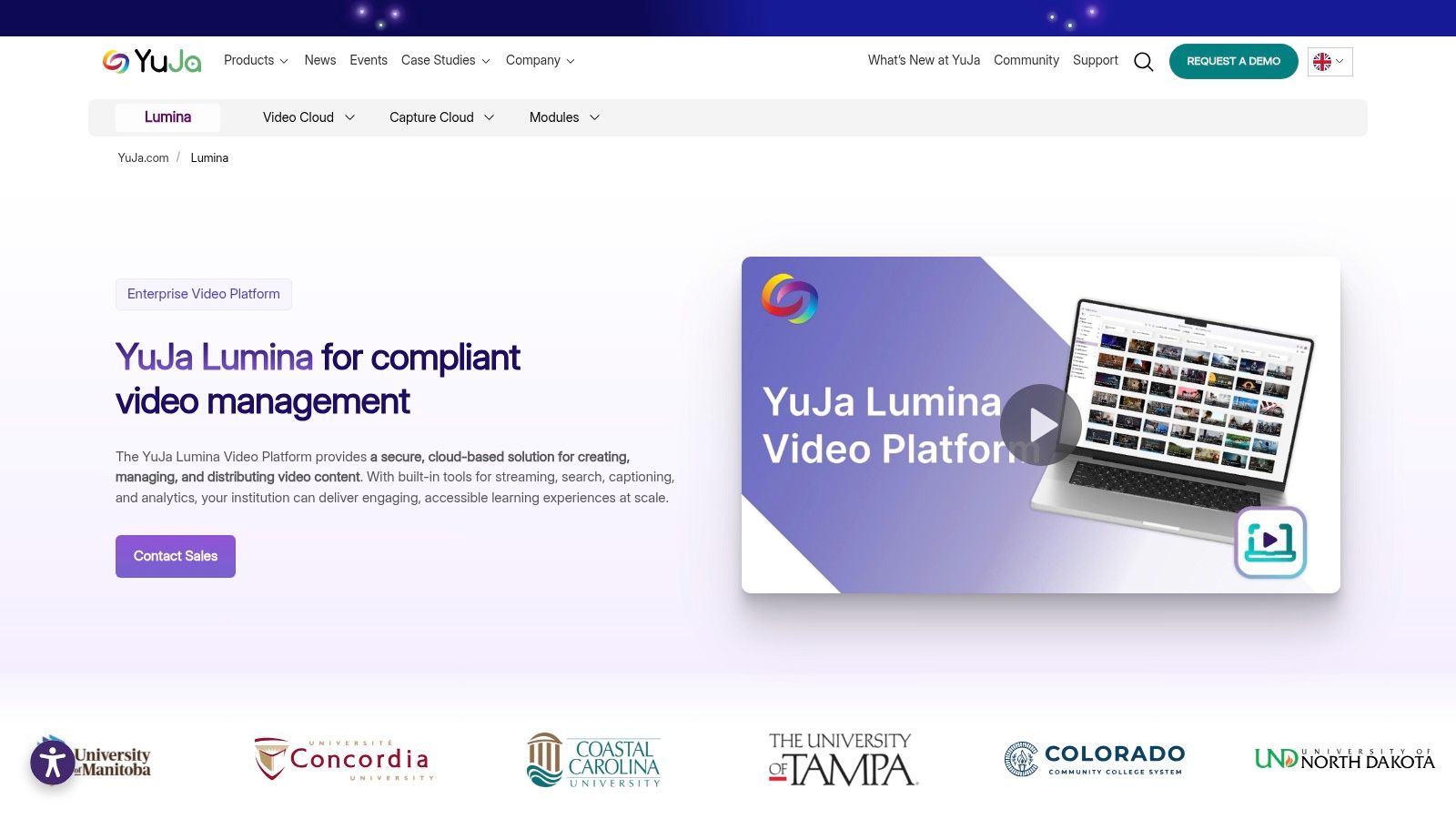
For a teaching team replacing scattered shared-drive folders, YuJa Lumina offers a centralised cloud media repository with LMS and single sign-on connections. Its education focus combines storage and delivery with recording, editing, captioning, annotations and in-video quizzing.
That combination suits a team that wants students to do something with a recording rather than just watch it. A laboratory instructor could publish a procedure, add annotations around a common error, then use an embedded question to check whether students understand the next step.
Test the repository as a student
The institution's administrator may see an orderly library while students encounter confusing course links. Evaluate both views, including what happens when a learner opens a recording from a mobile device or returns through a different course page.
Teaching advantage: Interactive tools sit alongside institutional media management rather than requiring a completely separate hosting workflow.
UK relevance: YuJa has UK higher-education use, including at the University of Reading.
Procurement limitation: Pricing is customised, and demos or trials for selected institutions don't mean every prospective customer receives the same evaluation access.
The practical question is whether your team will maintain annotations, questions and captions after publication. If a lecturer replaces the underlying recording, test what happens to those teaching elements and whether staff can identify outdated versions.
A well-organised repository needs a named owner for each collection, not just an administrator for the platform.
Confirm the LMS integration and product modules included in the quote. Then test a course-copy workflow, a staff handover and an access change, rather than judging the platform solely by its upload screen.
5. Echo360
If the teaching problem is passive viewing, another storage location won't fix it. Echo360 combines lecture capture and video hosting with polls, questions and discussions, making it a stronger candidate when instructors want interaction around recorded or live teaching.
Consider a safety-training session where learners must identify a hazard before seeing the explanation. Questions can make that decision explicit, while discussions can expose misunderstandings that a completion indicator won't show.
Separate engagement from attendance
Echo360 includes live streaming, automatic transcription, transcript editing, analytics and LMS integrations. Those capabilities support a teaching workflow, but instructors still need to decide which learner actions warrant attention.
A student leaving a video open isn't proof of understanding. Use analytics to identify recordings that merit investigation, then examine the question responses or discuss the difficult concept in class.
Choose it for: Teaching teams that will use polls, questions and discussion alongside lecture capture.
Avoid unnecessary scope: If you only need controlled playback of finished videos, the active-learning tools may add administration without changing teaching.
Confirm locally: Feature availability can depend on institutional configuration, and standard institutional pricing isn't publicly listed.
Evaluate the instructor workload
During a demonstration, ask an instructor to edit a transcript, insert an activity and review a learner response. Repeat that process after changing the recording, because maintaining interactive material matters as much as creating it.
Also establish who supports questions from staff. A central learning-technology team can provide templates and guidance, but it shouldn't become the only group capable of publishing a routine lesson.
The strongest fit is deliberate active learning, not a requirement to add a quiz to every recording. Keep questions where they reveal a misconception or prompt a useful decision.
6. Vimeo
An embedded video isn't the same as an LMS video workflow. Vimeo is a general-purpose hosting and publishing service with ad-free playback, embeds and controlled sharing, making it suitable when your LMS already handles teaching and assessment.
For example, a training team could host polished onboarding explainers and embed them in course pages. That's a simpler requirement than capturing lectures, accepting student recordings and managing an institutional teaching archive.
Know what the plan includes
Vimeo offers privacy options including unlisted, password-protected and private sharing. Captions and editable transcripts are available on paid uploads for its school-hosting offering, while Enterprise LMS integration can support SCORM and xAPI workflows.
Useful strength: Ad-free embeds let learners watch a finished lesson without a public recommendation feed.
Important boundary: Don't assume basic hosting includes Enterprise LMS integration or assessment reporting.
Buying check: Confirm current pricing, storage limits and plan entitlements before committing, particularly when comparing changing plan structures.
A password can control casual access, but it isn't equivalent to enrolment-based permissions. Test whether an embedded recording remains accessible after a learner loses course access.
For a wider view of public publishing versus controlled hosting, compare these alternatives to YouTube. Keep content creation separate from delivery, too: a tool such as the ShortGenius AI video ad maker belongs to a promotional production workflow, not institutional library governance.
Vimeo's trade-off is straightforward: less teaching-specific infrastructure, potentially less complexity. Choose it when polished hosting is the missing piece, not when you need the video service to manage assignments, lecture capture and course ownership.
7. Brightcove
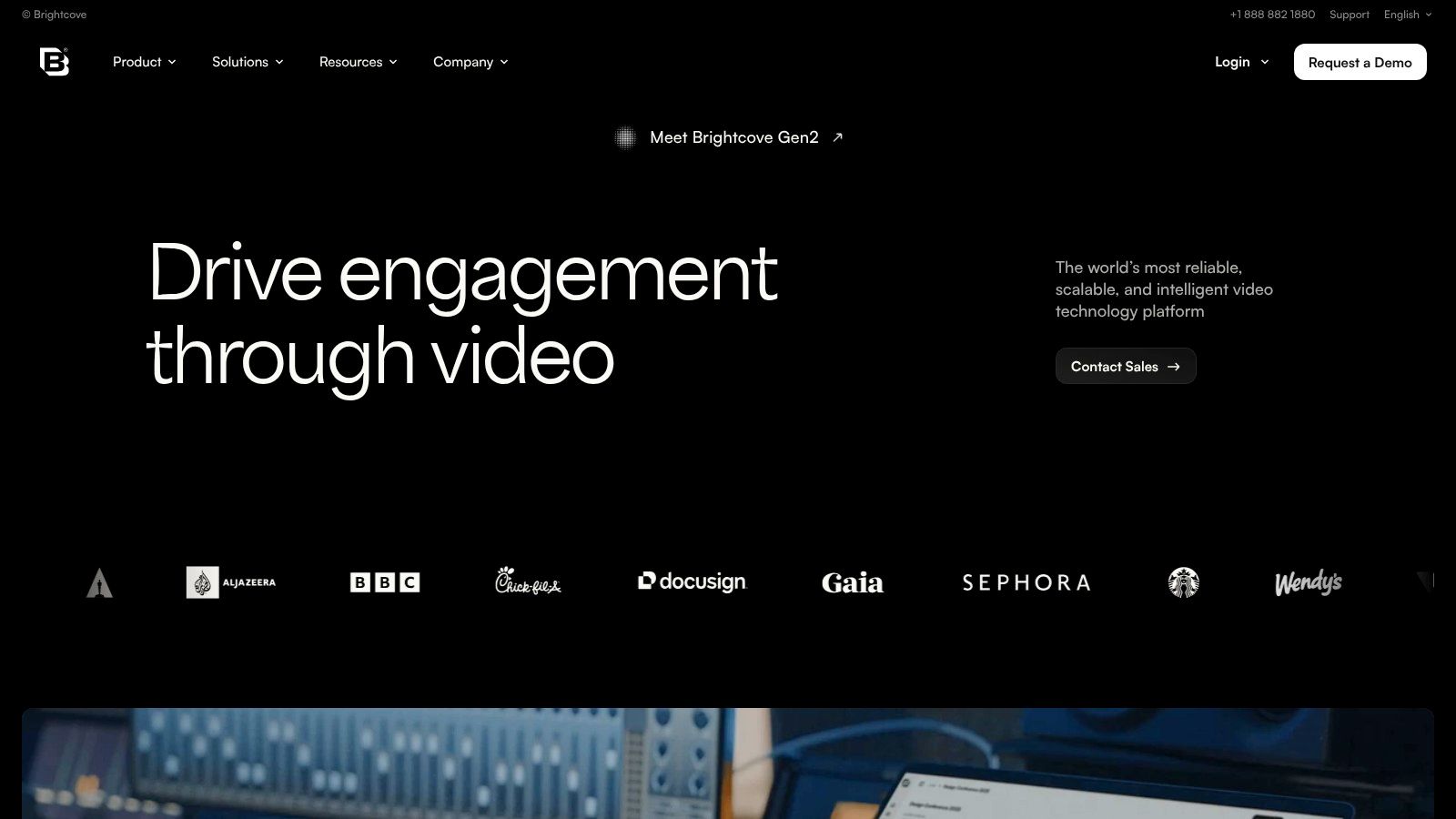
A university communications team publishing events across external channels has different priorities from a lecturer collecting assessed presentations. Brightcove fits enterprise video delivery and publishing, rather than acting as a public user-generated community or a primarily LMS-focused teaching platform.
It hosts on-demand video, supports live workflows through Brightcove Live, and provides distribution tools for organisations with multi-channel publishing needs. That can suit public lectures, institutional broadcasts and externally distributed training.
Start with the publishing destination
Map where each recording must appear and who can approve publication. If most videos belong inside restricted course spaces, an education-focused platform may provide a closer fit than an enterprise publishing system.
Best reason to shortlist: Your organisation needs coordinated on-demand and live publishing across channels.
Main drawback: Enterprise administration can be excessive for a teacher or small training team.
Commercial limitation: Pricing isn't presented as a simple self-service plan, so compare a defined scope rather than assuming a standard subscription.
Test delivery on the screens your audience uses. Ofcom's Media Nations reporting found that UK audiences spent about 51 minutes per day watching video-sharing-platform content at home in 2024 across all devices, a reminder not to evaluate playback only on an administrator's desktop.
For teaching procurement, use this guide to choosing your video platform for education to keep LMS requirements visible. A strong broadcasting platform can still leave instructors doing manual work around enrolments, submissions and feedback.
Brightcove is worth considering when distribution is the central job. It's less compelling when the central job is managing a learner's video assignment inside a course.
How the seven video like YouTube site options compare for education and training
The right option depends on who controls the video library, where it lives, and how closely the workflow needs to sit inside the LMS. Compare each platform against a real teaching or training task, not just its feature list.
Item | Best For | LMS Integration | Pricing Visibility | Trial or Demo |
|---|---|---|---|---|
MEDIAL | Education and corporate training video workflows | Moodle, Canvas, Blackboard, and D2L Brightspace | Not publicly listed | Free trial and demos available |
Panopto | Lecture capture and managed video libraries | Moodle, Canvas, Blackboard, and D2L Brightspace | Quote-based | Request a demo against your lecture-capture and library requirements |
Kaltura | Institutions with varied media workflows | LTI, including LTI 1.3 Advantage | Requires vendor discussion | Request a demo based on your LMS and media workflows |
YuJa Lumina | Institutional video repositories and interactive learning | LMS and single sign-on integration | Custom pricing | Demos and trials for selected institutions |
Echo360 | Lecture capture with active-learning tools | LMS integrations available | Standard pricing not publicly listed | Request a demo focused on lecture capture and active-learning workflows |
Vimeo | Ad-free hosted video with controlled sharing | Enterprise-level LMS integration for SCORM and xAPI | Confirm current pricing and plan limits | Review current plans and contact Vimeo about a trial or demo |
Brightcove | Enterprise-scale video publishing and delivery | No specific LMS integration noted | No simple self-service pricing | Request a demo based on your publishing and delivery requirements |
Choosing Your Route Without Losing Control
A teacher recording a lesson, a student submitting a video assignment, and an administrator removing access all rely on the same system. Choose an operating model that can handle those tasks and make clear who controls the library, where the files live, and who maintains the workflow.
A turnkey hosting service can suit finished videos and straightforward embeds. An institutional video platform fits workflows that need course permissions, recording, and assignments. A custom build offers control over the interface and connections, while leaving your team responsible for authentication, transcoding, captions, monitoring, and support. The thumbnail grid is easy to build. Keeping access correct after enrolment changes takes more work.
Make the shortlist testable
Use one teaching scenario to compare options, not a popularity ranking.
List required integrations: Name your LMS, sign-on system, meeting tools, and assessment workflows. Separate a basic embed from authenticated publishing, submission, and grading.
Confirm ownership and hosting: Establish who controls original files, captions, metadata, and exports, where they are hosted, and what happens when staff leave.
Shortlist two or three options: Compare the same teaching scenario and commercial scope, including support and migration.
Pilot one course: Include instructor recording, student submission, caption correction, restricted access, and course rollover before committing.
Set rules for who can upload and who can watch. Ofcom's online safety guidance explains providers' responsibilities under the Online Safety Act framework. Check whether the service falls within scope rather than assuming an educational purpose settles the question.
Acceptance test: Have a student submit a recording, a teacher assess it, and an administrator remove access. Check the result from each account.
For corporate learning, apply the same distinction between convenient playback and control of ownership and administration. When choosing a secure business video platform, record what the pilot proves, what remains uncertain, and who will maintain the workflow.
Request a trial or demo with real teaching material, including specialist vocabulary and a recording that needs editing. MEDIAL offers a free trial and personalised demo for institutions testing LMS-integrated video in their own environment.
MEDIAL combines an internal YouTube-like library with LMS-connected recording, assignments, and controlled video delivery, with cloud or on-premises deployment. Visit MEDIAL to arrange a personalised demo or free trial, and bring a real course recording and assignment workflow to test.
Comments